What's New
3D Cost Centres Coming Soon
If your team works across more than one site, type of work or job - one wage total won't tell you what each one costs. From 27th October, every shift can record a Location, Role and Job. Staff pick them when they clock on, or Microkeeper fills them from their rostered shift or employee profile defaults. Each line of pay keeps all three, so reports and your accounting export can split wages costs the same way.
Read our 3D Cost Centre blog post for more information
Read our Cost Centre guide to see what is coming on release day

Team Messaging
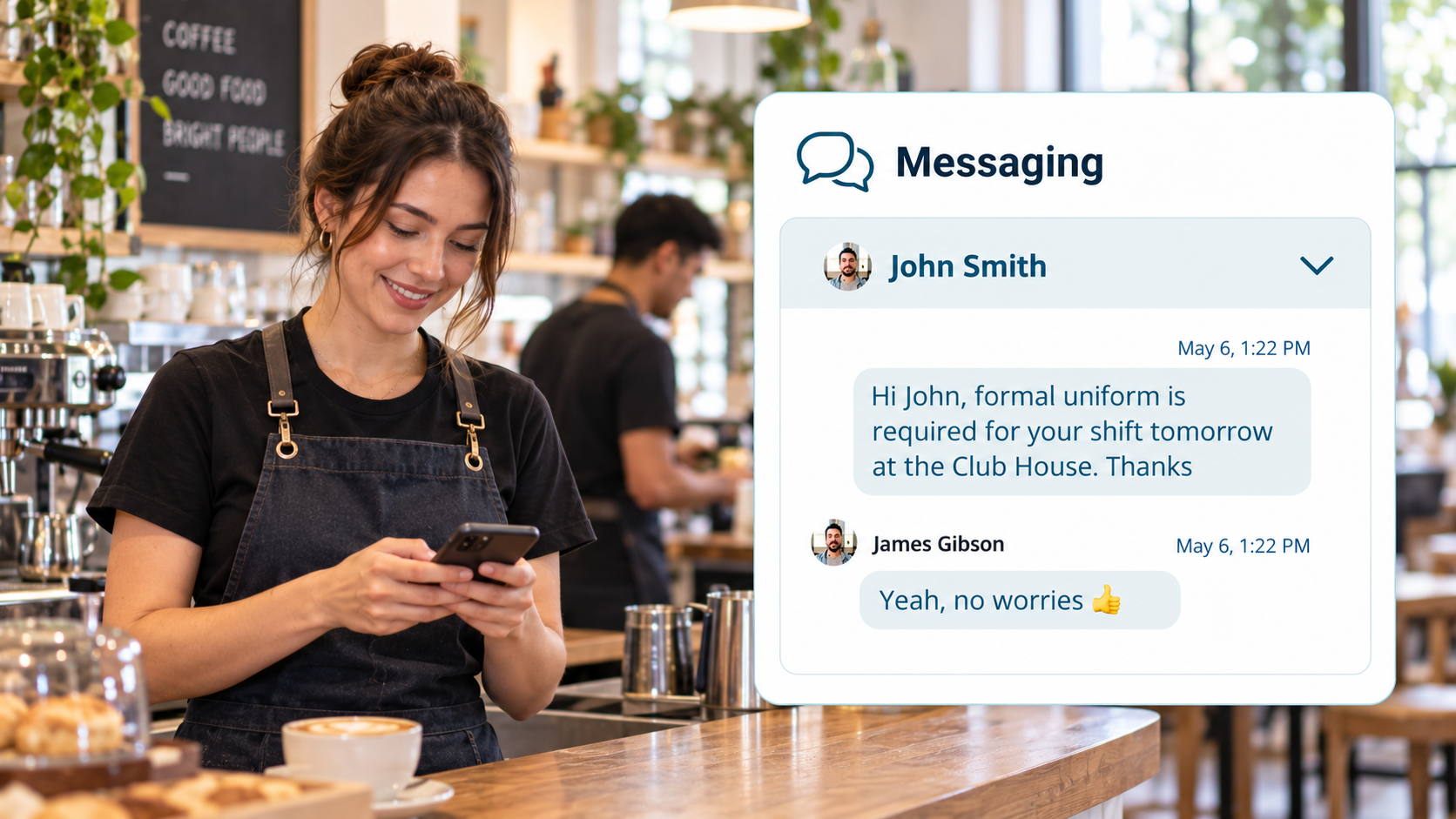
When you need to share a shift update or check a detail with your team, it helps to keep the conversation together. You can keep those conversations in Microkeeper, with direct messages to staff and channels for your team. Share files, reply to specific messages, add reactions and see who has read your messages
Enable Messaging in Global Settings:
Go to Menu > Settings > General > Global - System Settings - Messaging On
To send messages:
Go to Employee Console > Message.
Roster Cycles
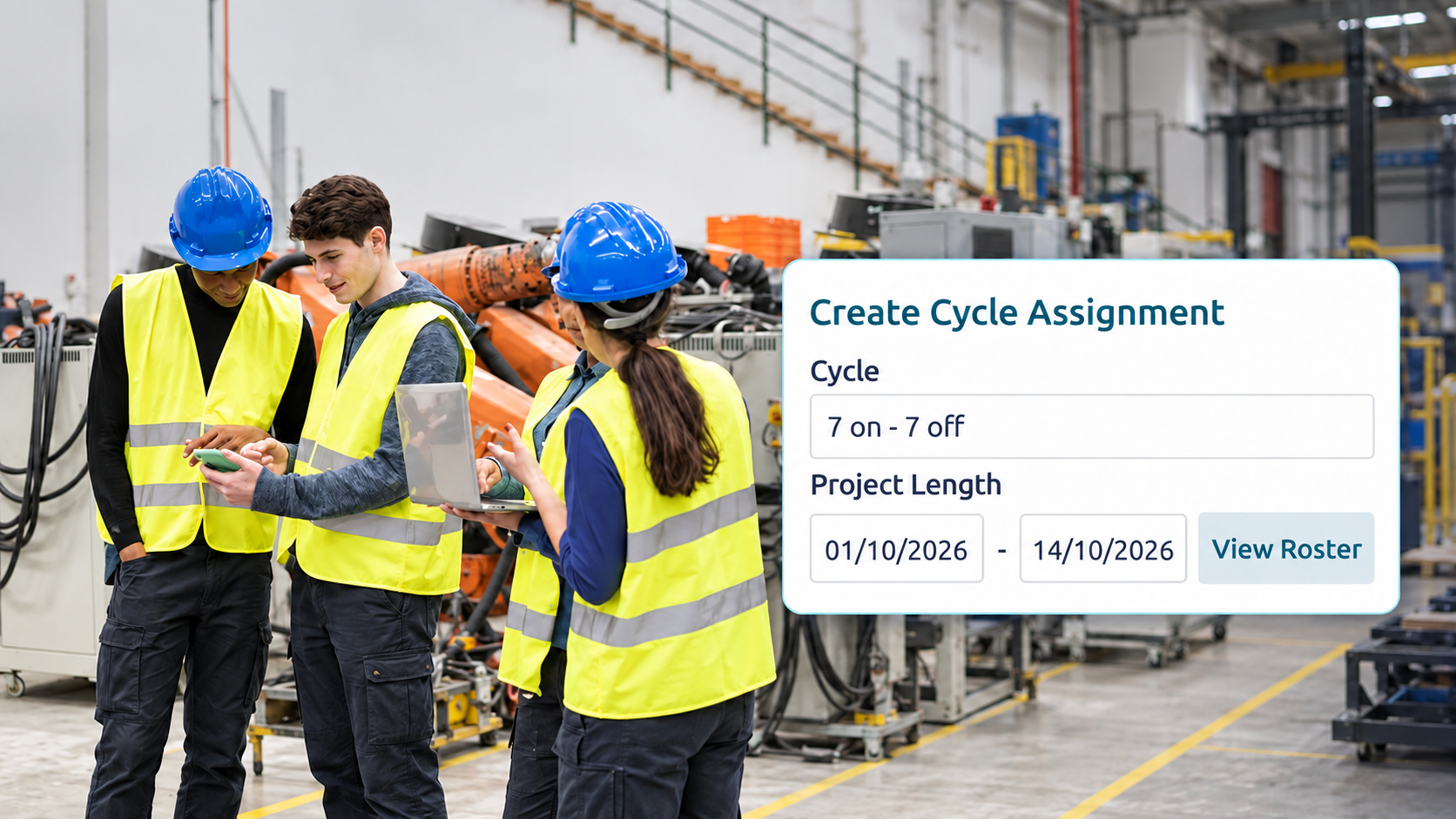
If your staff work a repeating pattern, such as 5 days on and 2 days off, you shouldn't have to rebuild the same roster every week. Set the pattern up once, assign it to a group or an employee, and apply it as far ahead as you need. Top Up fills only the gaps around shifts you've already rostered, and Replace clears that period and rosters it from the cycle.
Enterprise Only
Go to Rosters > Roster Cycle.
Leave Blockouts
Christmas, EOFY or your busiest week of the year is the worst time for half the team to be away. Set those dates as a blockout so staff are warned, or stopped, when they try to request leave, rather than you declining requests after they come in. Leave that's already approved isn't affected.
Enterprise Only
Go to HR > Leave Review and click Blockouts.

October 2026 Pricing Update
From your October 2026 billing cycle, legacy Standard pricing will move to $6 per user per month. Premium pricing will move from $6 to $10 per user per month. If you have an Enterprise account, our team will contact you directly to discuss your pricing. Your settings, staff details and payroll history will stay the same.
This update reflects ongoing investment in payroll processing, platform improvements, Australian-based support and Australian data storage.
Personal File Templates
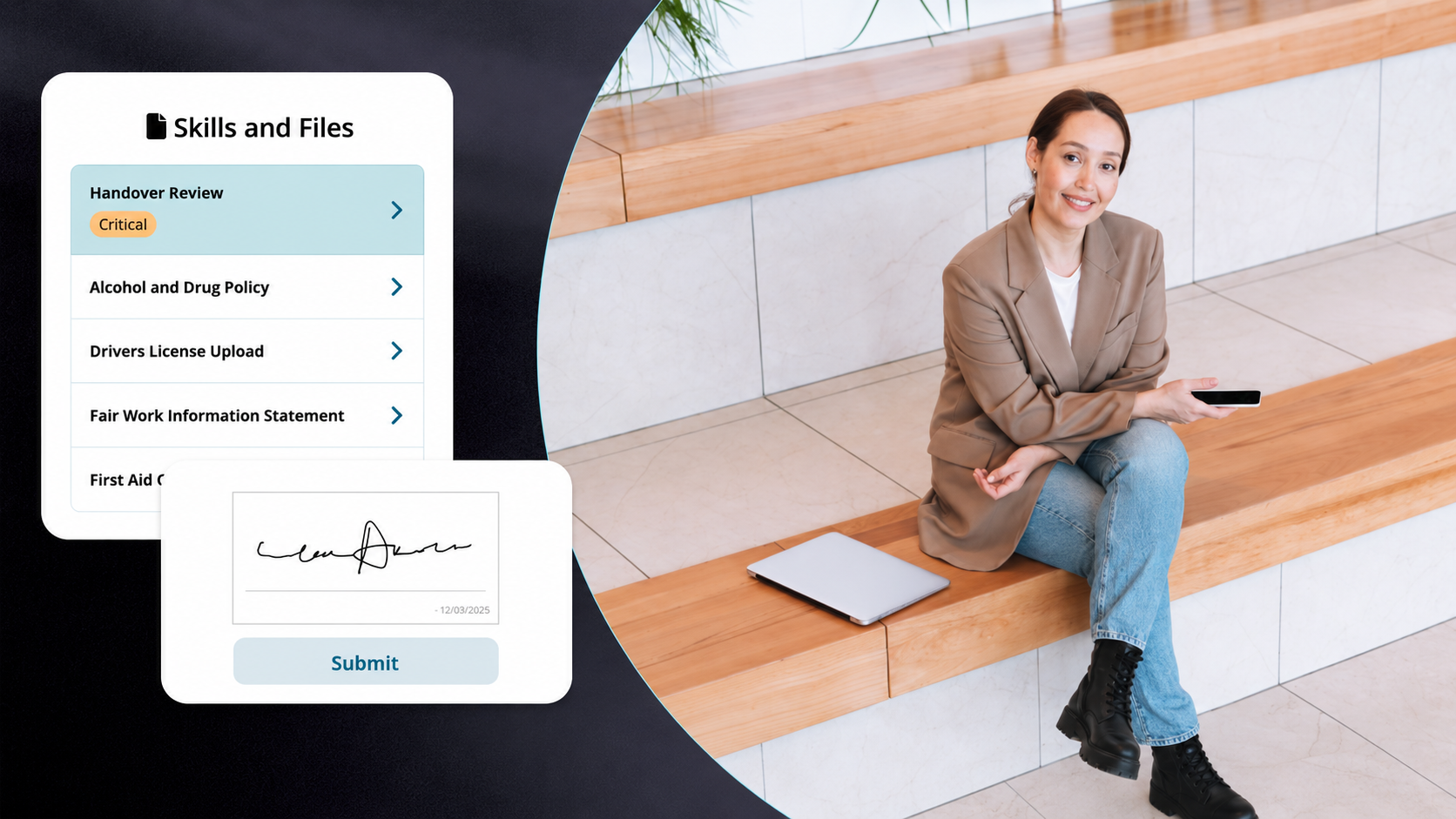
Every new starter needs the same induction documents and policies, each with their own name, position and start date. Build each document once as a template, then issue it from the employee's profile with their details already filled in. Their profile shows when each file was signed, and a file marked Critical must be signed before they can clock on.
Set up templates in Settings > Personal File Templates, then open an employee's profile, go to Personal Files and click Add Personal File.